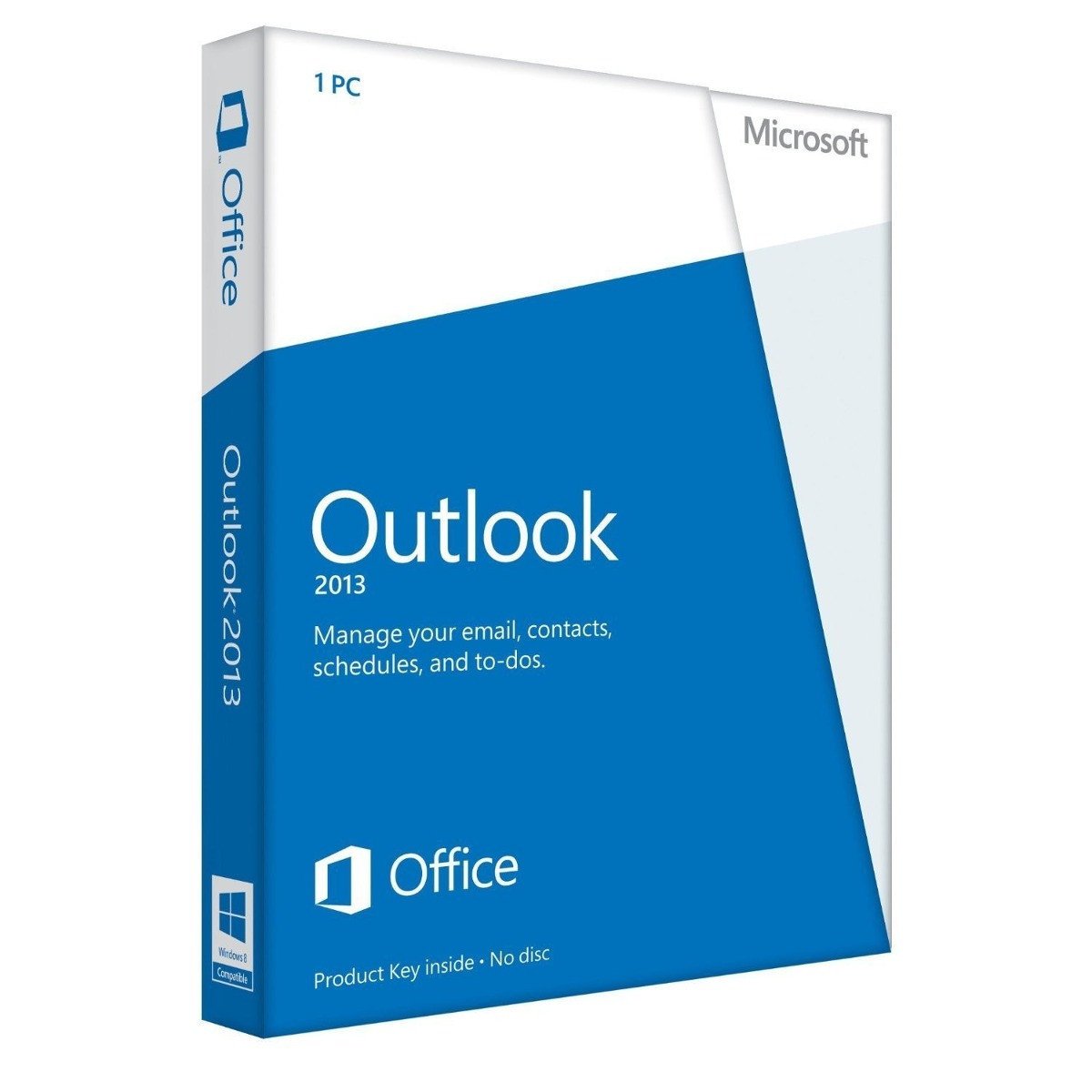
Microsoft Outlook 2013 - Box Pack - 32/64 Bit Medialess
$199.99
Outlook 2013 is the email client that was included in the Microsoft Office 2013 suite release. Released in October 2012, Outlook 2013 is much like past versions of the email client in that it provides access to the Exchange Server with email, contact, calendaring and task management functionality. The most recent version of outlook is <a href="https://www.mychoicesoftware.com/collections/microsoft-office-office-apps-outlook/products/microsoft-outlook-2016-open-license" title="Outlook 2016">Outlook 2016.</a>
<h2>Communicate more effectively by connecting efficiently with others</h2>
<div class="cntGSZero cdArticleHead">
<div class="cntGSGrid24">
<div class="cntGSGrid13 cntGSMH2000">
<div class="cntGSMV1500">
<p><strong>Exchange ActiveSync Support</strong></p>
<p>Don't miss a single meeting, message, or contact. Now you can receive push-based email, appointments, and contacts from Outlook.com, and Hotmail - all conveniently delivered into your Outlook experience.</p>
<p><strong>Navigation Bar</strong></p>
<p>Continue to enjoy the way the navigation bar speeds up communication. Use it to open your email, calendar, contacts, and tasks fast. Everything you need is there.</p>
<p><strong>Social Connectors</strong></p>
<p>Stay in the know. Get the very latest updates automatically from people in the social networks you rely on most LinkedIn, Facebook, and others.</p>
<div class="cntGSGrid23 cntGSMH2020">
<h3>Manage your contacts and schedule with ease</h3>
</div>
<div class="cntGSGrid24">
<div class="cntGSGrid13 cntGSMH2000">
<div class="cntGSMV1500">
<p><strong>Peeks</strong></p>
<p>Take a peek at your schedule, an appointment, a task, or details about someone you're emailingwithout having to rearrange windows or lose your train of thought.</p>
<p><strong>People Card</strong></p>
<p>Integrate multiple contacts into a single view with all of that person's contact information (including social network updates) to identify people's social context more quickly and remove needless duplication.</p>
<p><strong>Share your calendar</strong></p>
<p>When others can view your calendar, scheduling meetings, and responding to meeting invitations, is easier and more convenient for everyone.</p>
<div class="cntGSGrid23 cntGSMH2020">
<h3>Find important info faster than ever</h3>
</div>
<div class="cntGSGrid24">
<div class="cntGSGrid13 cntGSMH2000">
<div class="cntGSMV1500">
<p><strong>Search</strong></p>
<p>Find email messages, attachments, calendar appointments, and contacts even faster through improved search, so you can communicate with the right people, right now.</p>
<p><strong>Fast Filters and Context Commands</strong></p>
<p>Discover how filters and context commands speed things up. With a single click, instantly see what's on your calendar today, next week, or next month. Choose from several intuitive ways to filter, arrange, and work with your email.</p>
<p><strong>Weather Bar</strong></p>
<p>Conveniently check the forecast on the Weather Bar, and let the coming weather inform how you plan your day's schedule or your next trip.</p>
</div>
</div>
</div>
</div>
</div>
</div>
</div>
</div>
</div>
</div>
<h2>Communicate more effectively by connecting efficiently with others</h2>
<div class="cntGSZero cdArticleHead">
<div class="cntGSGrid24">
<div class="cntGSGrid13 cntGSMH2000">
<div class="cntGSMV1500">
<p><strong>Exchange ActiveSync Support</strong></p>
<p>Don't miss a single meeting, message, or contact. Now you can receive push-based email, appointments, and contacts from Outlook.com, and Hotmail - all conveniently delivered into your Outlook experience.</p>
<p><strong>Navigation Bar</strong></p>
<p>Continue to enjoy the way the navigation bar speeds up communication. Use it to open your email, calendar, contacts, and tasks fast. Everything you need is there.</p>
<p><strong>Social Connectors</strong></p>
<p>Stay in the know. Get the very latest updates automatically from people in the social networks you rely on most LinkedIn, Facebook, and others.</p>
<div class="cntGSGrid23 cntGSMH2020">
<h3>Manage your contacts and schedule with ease</h3>
</div>
<div class="cntGSGrid24">
<div class="cntGSGrid13 cntGSMH2000">
<div class="cntGSMV1500">
<p><strong>Peeks</strong></p>
<p>Take a peek at your schedule, an appointment, a task, or details about someone you're emailingwithout having to rearrange windows or lose your train of thought.</p>
<p><strong>People Card</strong></p>
<p>Integrate multiple contacts into a single view with all of that person's contact information (including social network updates) to identify people's social context more quickly and remove needless duplication.</p>
<p><strong>Share your calendar</strong></p>
<p>When others can view your calendar, scheduling meetings, and responding to meeting invitations, is easier and more convenient for everyone.</p>
<div class="cntGSGrid23 cntGSMH2020">
<h3>Find important info faster than ever</h3>
</div>
<div class="cntGSGrid24">
<div class="cntGSGrid13 cntGSMH2000">
<div class="cntGSMV1500">
<p><strong>Search</strong></p>
<p>Find email messages, attachments, calendar appointments, and contacts even faster through improved search, so you can communicate with the right people, right now.</p>
<p><strong>Fast Filters and Context Commands</strong></p>
<p>Discover how filters and context commands speed things up. With a single click, instantly see what's on your calendar today, next week, or next month. Choose from several intuitive ways to filter, arrange, and work with your email.</p>
<p><strong>Weather Bar</strong></p>
<p>Conveniently check the forecast on the Weather Bar, and let the coming weather inform how you plan your day's schedule or your next trip.</p>
</div>
</div>
</div>
</div>
</div>
</div>
</div>
</div>
</div>
</div>
No features listed.